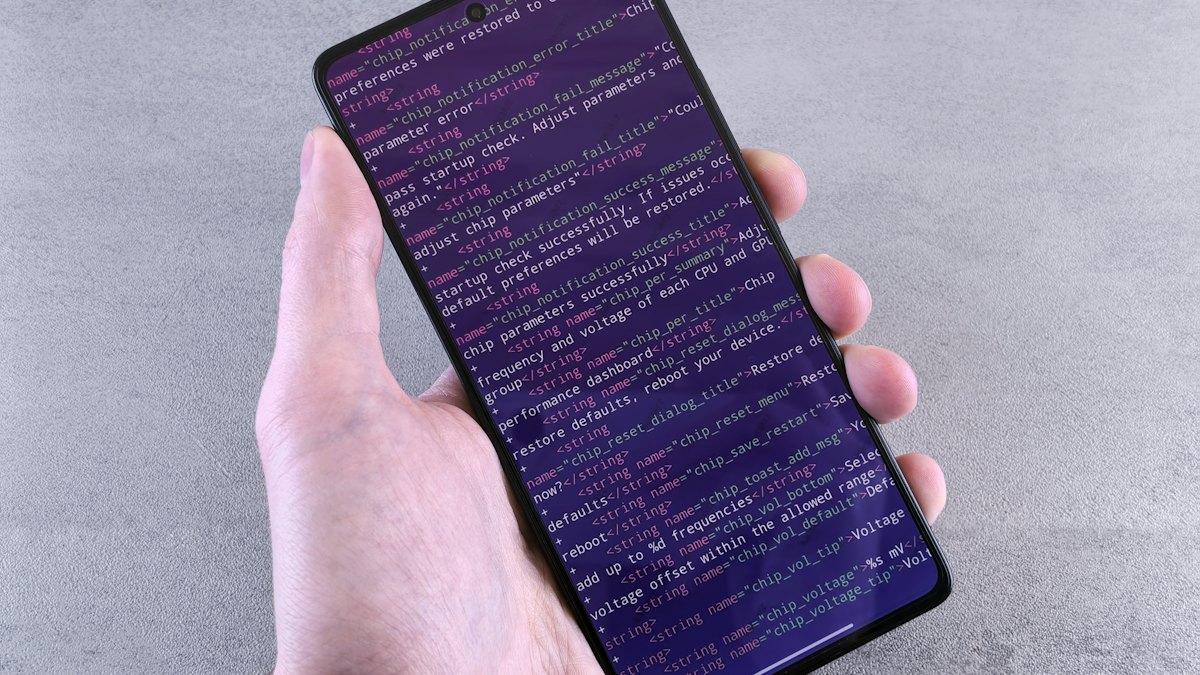
Course overview: Android and iOS app development course
An app development course teaches you to design, build and publish mobile apps for Android phones and iPhones. You learn a programming language, the official development tools for each platform, how apps connect to the internet and databases, and how to release an app on the Google Play Store or Apple App Store.
Our partner institute in Thane offers both Android app development and iOS app development. This guide explains how the two compare so you can choose the right starting point.
What you will learn
- Programming fundamentals: variables, logic, functions and object-oriented programming.
- Android development with Kotlin and Android Studio.
- iOS development with Swift, SwiftUI and Xcode.
- Designing app screens and user-friendly layouts.
- Connecting apps to APIs, databases and cloud services such as Firebase.
- Testing, debugging and improving app performance.
- Publishing apps on the Google Play Store and Apple App Store.
Android vs iOS app development
| Android development | iOS development | |
|---|---|---|
| Main language | Kotlin (and Java) | Swift |
| Official tool | Android Studio | Xcode |
| Computer needed | Windows, macOS or Linux | A Mac |
| UI framework | Jetpack Compose and XML layouts | SwiftUI and UIKit |
| Publishing | Google Play Console | App Store Connect |
Android has the larger share of smartphone users in India, so it is a common first choice. iOS skills are valued by companies building premium apps and apps for international markets. Cross-platform frameworks such as Flutter and React Native let you build for both from one codebase, and many teams now use them.
App development course syllabus
| Module | What it covers |
|---|---|
| Programming basics | Logic, data types, functions, classes and problem-solving |
| Platform language | Kotlin for Android or Swift for iOS |
| App UI | Screens, layouts, navigation and responsive design for different devices |
| Data and storage | Saving data on the device and working with local databases |
| APIs and cloud | Fetching data from the internet, JSON, authentication and Firebase |
| Device features | Camera, location, notifications and permissions |
| Testing and debugging | Finding and fixing bugs, and improving speed and battery use |
| Publishing | Preparing store listings, app signing and submitting for review |
| Capstone app | Building a complete app for your portfolio |
Ask the institute which platform, language and framework versions the current batch uses.
According to the partner institute in Thane, regular batches run three days a week (Monday, Wednesday and Friday, two hours a day) and weekend batches run on Saturdays and Sundays (three hours a day).
Who should join?
- Students after Class 12 or graduation who enjoy logic and building things.
- Web developers who want to move into mobile apps.
- Entrepreneurs who want to build an app for their business idea.
- Working professionals switching to a tech career.
If you are new to coding, a web design and development course is another good starting point, and design skills from a UI/UX design course help you build apps people enjoy using.
Career opportunities
- Android developer
- iOS developer
- Flutter or React Native developer
- Junior mobile app developer
- Freelance app developer
How gStudy helps you choose
gStudy is an independent education portal. This app development course is delivered by one of our partner institutes, and we do not run the classes ourselves. Our counsellors can explain how the course compares with other options, answer your questions about eligibility and careers, and connect you with the institute for current batch dates, fees and admission details.
Before you enrol with any institute, ask for the latest syllabus, which software versions are taught, the exact certificate you will receive, the total fee and how many portfolio projects are included.
Frequently Asked Questions (FAQs)
Answers to common questions about the app development course.
Android has the larger share of users in India, and you can develop for it on Windows, macOS or Linux. iOS development needs a Mac. Many learners start with one platform, or with a cross-platform framework such as Flutter, and add the other later.
Android apps are mainly built with Kotlin (and some Java), and iOS apps with Swift. Cross-platform frameworks use Dart (Flutter) or JavaScript (React Native).
Yes. You do not need a computer science degree, but comfort with logic and basic maths helps. Many institutes start with programming fundamentals.
Yes. Apple's Xcode, which is used to build and publish iOS apps, runs only on macOS.
Android apps are published through the Google Play Console and iOS apps through App Store Connect. Both require a developer account and a review of your app before it goes live.
Roles include Android developer, iOS developer, Flutter or React Native developer, junior mobile developer and freelance app developer.