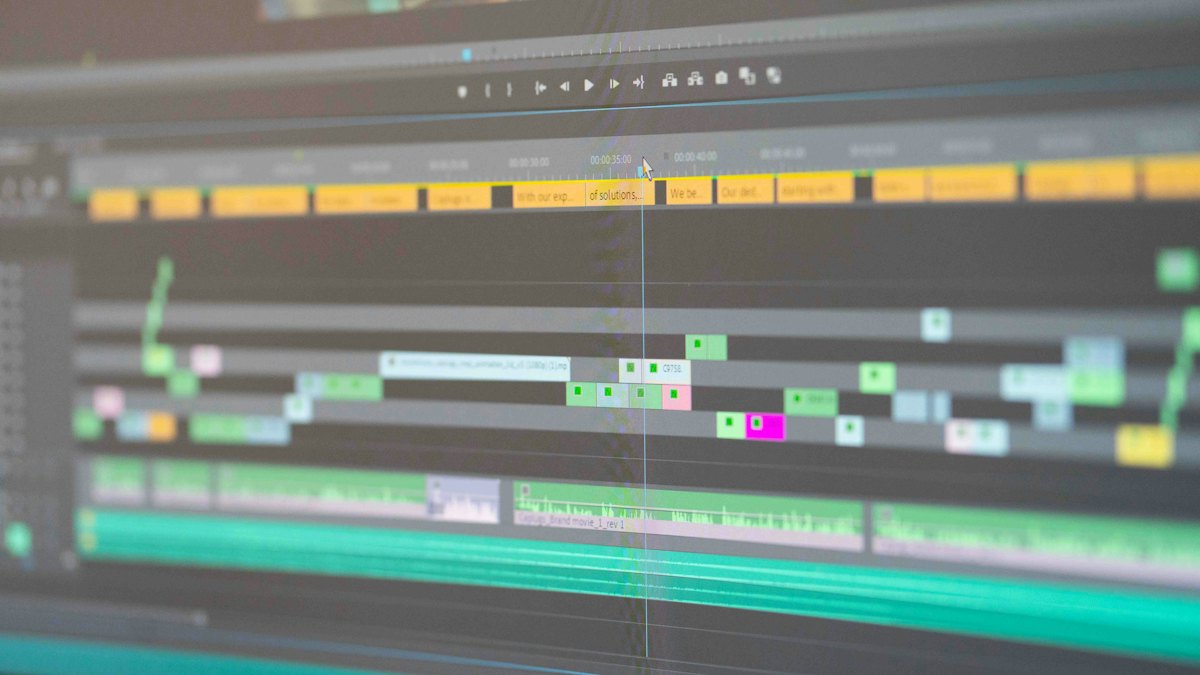
Course overview: video editing course
A video editing course teaches you to turn raw footage into finished videos that hold attention: cutting scenes, shaping a story, adding music and sound, correcting colour and exporting for YouTube, Instagram, ads or film. Demand for editors has grown with online video, as brands, agencies and creators publish more video than ever.
This professional editing programme is offered by one of our partner institutes in Thane as part of its range of creative and digital courses.
What you will learn
- Editing fundamentals: cuts, transitions, pacing and continuity.
- Storytelling for short-form and long-form video.
- Professional editing software such as Adobe Premiere Pro or DaVinci Resolve.
- Colour correction and colour grading.
- Audio editing, music, sound effects and voice-over clean-up.
- Titles, lower thirds and basic motion graphics.
- Exporting for YouTube, Instagram Reels, ads and client delivery.
Video editing course syllabus
| Module | What it covers |
|---|---|
| Editing basics | Workflow, importing and organising footage, timelines, cuts and transitions |
| Storytelling | Structure, pacing and rhythm for vlogs, ads, interviews and short films |
| Editing software | Hands-on practice in Premiere Pro or DaVinci Resolve |
| Colour | Colour correction, matching shots and creative colour grading |
| Audio | Cleaning dialogue, levels, music, sound effects and mixing |
| Motion graphics | Titles, lower thirds and simple animation, often in After Effects |
| Platform formats | Vertical video for Reels and Shorts, YouTube, ads and subtitles |
| Export and delivery | Codecs, resolutions, frame rates and file delivery to clients |
| Showreel | A portfolio of finished edits to show employers and clients |
Module names and software vary between institutes, so ask for the latest syllabus before you enrol.
Types of video editing courses
- Short course: a few weeks focused on one editing tool and the basics. Suits creators and beginners.
- Professional certificate: a few months covering editing, colour, audio and motion graphics, with a showreel.
- Film and media degree or diploma: a longer programme that also covers direction, cinematography and production.
According to the partner institute in Thane, regular batches run three days a week (Monday, Wednesday and Friday, two hours a day) and weekend batches run on Saturdays and Sundays (three hours a day).
What you need to start
You do not need any previous experience. A laptop or desktop with a good processor, at least 16 GB of RAM and an SSD will help you practise at home, along with headphones for audio work. Video editing pairs well with graphic design for thumbnails and titles, and with digital marketing if you want to run video campaigns.
Career opportunities for video editors
- Video editor at a production house, agency or media company
- YouTube and social media video editor
- Motion graphics artist
- Post-production assistant
- Freelance video editor for brands and creators
Employers care most about your showreel. Aim to finish several short projects in different styles, such as an ad, an interview, a vlog and a reel, before you start applying.
Who should join?
- Students after Class 12 or graduation who want a creative career.
- YouTubers and content creators who want to edit their own videos.
- Graphic designers who want to add video skills.
- Marketing professionals who produce video for brands.
How gStudy helps you choose
gStudy is an independent education portal. This course is delivered by one of our partner institutes, and we do not run the classes ourselves. Our counsellors can explain how the course compares with other options, answer your questions about eligibility and careers, and connect you with the institute for current batch dates, fees and admission details.
Before you enrol with any institute, ask for the latest syllabus, which software versions are taught, the exact certificate you will receive, the total fee and how many portfolio projects are included.
Frequently Asked Questions (FAQs)
Answers to common questions about learning video editing.
Editing fundamentals, storytelling and pacing, editing software such as Adobe Premiere Pro or DaVinci Resolve, colour correction, audio editing, basic motion graphics and exporting videos for YouTube, social media and clients.
Adobe Premiere Pro is widely used in agencies and media houses, and DaVinci Resolve is popular for editing and colour grading. Adobe After Effects is used for motion graphics. The editing skills you learn carry over between tools.
Yes. Video editing courses are open to students after Class 12 in any stream, as well as graduates, working professionals and content creators.
A computer with a good processor, at least 16 GB of RAM and an SSD makes editing much smoother, especially for 4K footage. Many institutes provide lab computers during the course.
You can learn the basics in a few weeks, but becoming job-ready usually takes a few months of regular practice and a showreel of finished projects.
Roles include video editor, YouTube or social media video editor, motion graphics artist, post-production assistant and freelance editor for brands and creators.